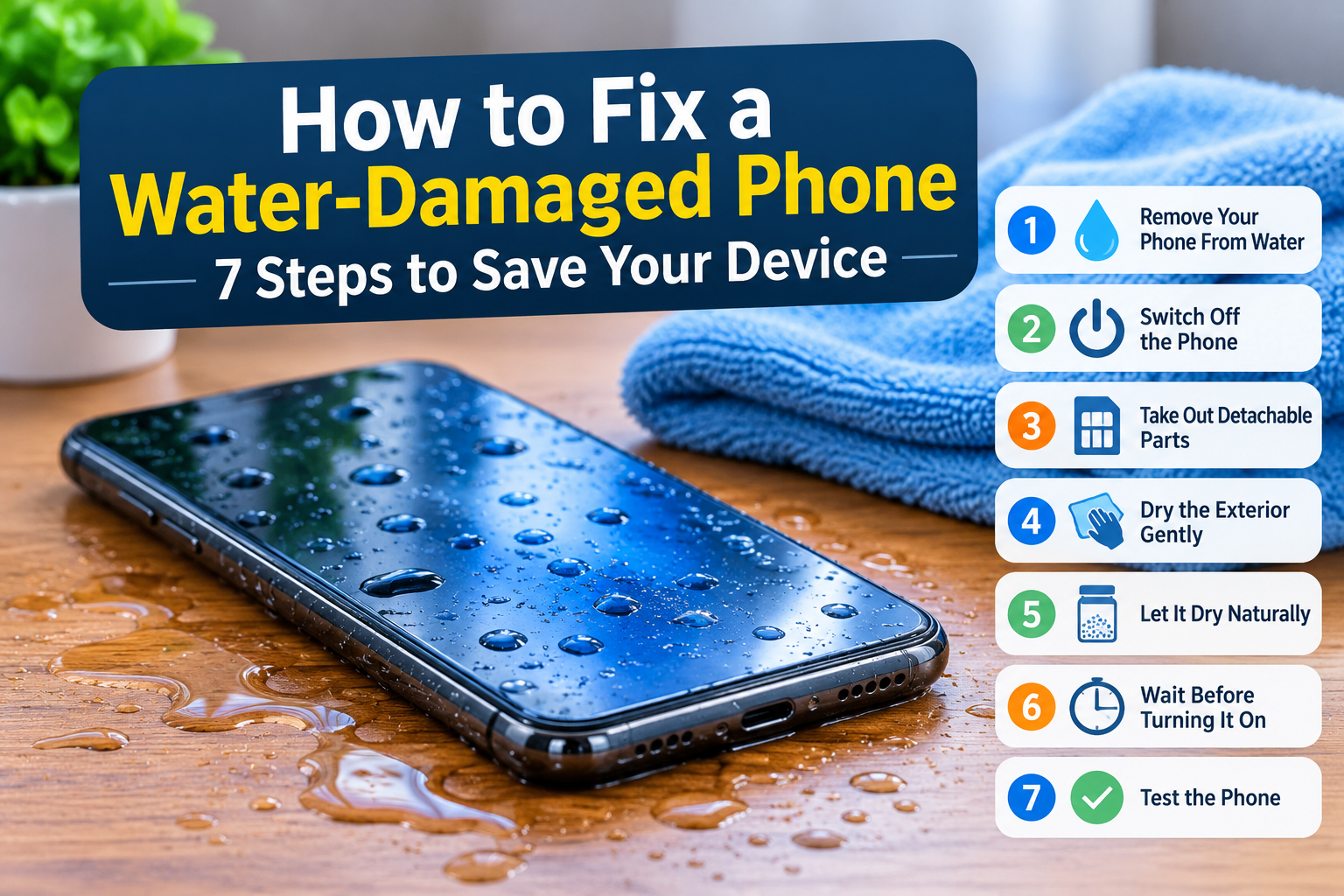
A phone falling into water can cause serious problems within minutes. Whether it happens in a swimming pool, bathroom, kitchen, or during heavy rain, quick action matters. Learning how to fix a water-damaged phone can help you reduce further damage, protect internal components, and decide when professional repair is necessary.
Water exposure does not always mean your phone is permanently damaged. The outcome depends on how much liquid entered the device, how long it remained wet, and what you do immediately afterward.
What to Do Immediately When Your Phone Falls in Water
If your phone falls into water, remove it immediately, disconnect all cables, and switch it off if possible. Avoid pressing unnecessary buttons or testing the touchscreen. Remove the case and accessible accessories, dry the exterior, and keep the device away from electrical power until it has been properly assessed.
1. Remove Your Phone From the Water
Act quickly. Take the phone out of the water as soon as possible. The longer it remains submerged, the more opportunities moisture has to enter openings, speakers, charging ports, and other vulnerable areas.
Once you retrieve it:
- Hold the phone carefully to prevent another drop.
- Keep it away from sinks, pools, or wet surfaces.
- Remove any attached accessories.
- Avoid shaking it aggressively.
- Disconnect headphones, chargers, and other connected devices.
Even a water-resistant smartphone can suffer damage after liquid exposure. Water resistance has limits, and previous drops, damaged seals, or normal wear can affect protection.
2. Switch Off the Phone Immediately
Turn off the device as soon as possible. Electricity passing through wet internal components can cause short circuits and damage electronic connections. If the screen remains responsive, use the normal power-off procedure. If the device has already switched off, leave it off.
Keep these points in mind:
- Do not restart the phone to check whether it works.
- Do not connect it to a computer.
- Do not plug in a charging cable.
- Avoid repeatedly pressing the power or volume buttons.
This step matters because a wet phone may still have moisture around its internal circuitry even when the exterior looks dry.
3. Remove the Case, SIM Card, and Detachable Accessories
Remove the phone case, SIM card, memory card, and other removable accessories. These items can trap moisture around the device and slow the drying process. Removing accessible components also gives you a better view of the affected areas.
Follow these precautions:
- Remove the phone case and dry it separately.
- Take out the SIM tray if the manufacturer permits it.
- Remove a detachable battery only if the device supports user removal.
- Never force open a sealed smartphone.
- Do not attempt to remove internal screws or components without repair experience.
Modern smartphones have tightly fitted internal components. Opening them without the right equipment can damage connectors, seals, and the battery.
4. Dry the Exterior With a Soft Cloth
Use a clean, dry, lint-free microfiber cloth to absorb visible moisture. Gently blot the screen, back panel, camera area, and exterior edges. Avoid rubbing liquid toward openings or pushing moisture into the charging port.
Pay attention to these areas:
- Charging port
- Speaker openings
- Microphone holes
- Camera lens
- SIM tray opening
- Side buttons
Do not insert tissue, cotton swabs, or sharp objects into small openings. A gentle approach helps prevent additional physical damage while you handle the wet device.
5. Allow Internal Moisture to Dry Naturally
Surface drying does not remove moisture trapped inside a smartphone. Place the switched-off phone in a dry, well-ventilated location with the charging port facing downward. Allow air to circulate around the device, and follow the manufacturer’s drying instructions before attempting to use it.
A few precautions matter here:
- Keep the device away from direct sunlight.
- Avoid placing it near heaters or radiators.
- Do not use a hair dryer.
- Do not use compressed air.
- Avoid putting the phone in uncooked rice.
Apple specifically warns against using rice because small particles can enter the connector and cause damage. Its guidance recommends airflow and avoiding external heat sources. Samsung also recommends allowing moisture to evaporate naturally from affected charging ports.
If the phone was fully submerged, exposed to saltwater, or came into contact with sugary liquids, arrange a professional inspection rather than relying on air drying alone.
6. Wait Before Turning the Phone On or Charging It
Patience matters after water exposure. A device may look dry while moisture remains inside its connectors or under internal components. Do not switch it on or connect a wired charger simply because the screen and exterior appear clean.
Apple notes that a wet charging connector may require up to 24 hours to dry fully. The required time for a submerged phone can differ considerably, depending on the exposure and internal condition.
Before attempting to use the device:
- Check the manufacturer’s instructions.
- Make sure the exterior and charging port are dry.
- Do not ignore liquid-detection warnings.
- Seek professional inspection after significant submersion.
- Avoid repeated attempts to power on the device.
A fixed waiting period cannot guarantee that a water-damaged phone is safe to operate.
7. Test the Phone or Visit a Repair Technician
Only attempt to restart the phone when it has been properly assessed and the manufacturer’s drying guidance has been followed. Check the display, touchscreen, speakers, microphone, cameras, buttons, and charging functions. If anything behaves abnormally, switch it off and arrange a professional inspection.
A repair technician can inspect internal connectors, the battery, charging assembly, and motherboard for moisture-related damage.
Do not assume the problem has disappeared just because the phone starts normally. Corrosion can develop after the initial exposure and cause problems later.
Signs Your Phone Has Water Damage
A water-damaged phone may show visible symptoms immediately or develop problems several hours or days after exposure. Common warning signs include display condensation, charging errors, muffled audio, touchscreen problems, unexpected shutdowns, and unusual battery drain. Internal corrosion can also affect the motherboard and other electronic connections.
Foggy Screen or Camera Lens
Condensation beneath the display or inside the camera lens can indicate that moisture has entered the phone. Camera photographs may appear blurry, and the display may develop cloudy patches.
Touchscreen Problems
Water exposure can affect touchscreen connections and internal circuits. You may notice delayed responses, random screen activity, unresponsive areas, or difficulty typing.
Charging Problems
A wet charging port can trigger a moisture warning or prevent the device from charging. Never ignore these warnings or repeatedly connect a cable to test the port.
Muffled Speaker or Microphone
Water around speaker openings or microphones can reduce sound quality. Calls may become difficult to understand, and recorded audio may sound distorted.
Unusual Battery Drain
Unexpected battery consumption can indicate a problem with internal components. If the phone starts losing power much faster after water exposure, arrange a technical inspection.
Random Shutdowns and Restarting
Unexpected shutdowns, boot failures, or repeated restarts can indicate hardware damage. A technician should inspect the battery, connectors, and motherboard.
How to Get Water Out of a Phone Charging Port
If water enters the charging port, disconnect the cable immediately and switch off the device if necessary. Hold the phone with the port facing downward, gently tap it against your hand to remove excess liquid, and leave it in a dry area with airflow.
Follow these precautions:
- Disconnect the charging cable and accessories.
- Hold the phone with the charging port facing downward.
- Gently tap the device to remove excess moisture.
- Wipe the exterior with a soft, dry cloth.
- Leave the device in a well-ventilated location.
- Wait until the charging port is completely dry.
- Contact the manufacturer or a repair technician if the moisture warning remains.
Never insert cotton swabs, paper towels, or metal objects into the charging port. Avoid compressed air and external heat sources.
Samsung states that moisture in its supported devices’ charging ports can prevent wired charging. Apple also warns that charging through a wet connector can cause corrosion and permanent damage.
How to Get Water Out of Your Phone Camera Lens
Moisture inside a camera lens can create foggy photographs, blurred images, and visible condensation. Switch off the phone and avoid using the camera repeatedly. Keep the device in a dry location with airflow, and arrange professional inspection if the condensation remains.
A few things to avoid:
- Do not use a hair dryer.
- Do not place the phone near a heater.
- Do not press or rub the camera lens.
- Avoid opening the camera assembly yourself.
Persistent condensation may require professional cleaning or component replacement. A repair technician can check whether moisture has reached the camera module or surrounding connections.
Common Mistakes to Avoid When Drying a Wet Phone
Many DIY drying methods can make a water-damaged phone harder to repair. Applying heat, using compressed air, inserting objects into openings, or repeatedly switching on the device can create further problems. Follow the manufacturer’s instructions instead of experimenting with household drying methods.
Putting the Phone in Rice
Rice is a popular household suggestion, but it does not provide a reliable way to remove internal moisture. Apple advises against this method because rice particles can enter the phone’s connector and cause damage.
Using a Hair Dryer
A hair dryer can expose sensitive components to excessive heat and push moisture further into openings. Avoid using hot air to dry a smartphone.
Charging the Phone Too Early
Connecting a wet phone to a charger can damage the charging connector. Wait until the device and its charging port are completely dry, and follow any liquid-detection warnings.
Opening the Phone Without Proper Tools
Modern smartphones contain delicate cables, connectors, batteries, and sealed components. Unnecessary disassembly can create additional repair problems, particularly when the device has a non-removable battery.
Frequently Asked Questions About Water-Damaged Phones
These answers cover common questions about phone water damage, drying times, charging ports, and recovery. The exact outcome depends on the smartphone model, its water-resistance rating, the type of liquid involved, and the extent of internal exposure.
Can a Water-Damaged Phone Be Repaired?
Yes. Some water-damaged phones can be repaired, depending on the extent of internal damage. A technician may clean affected components, replace damaged connectors, or repair the charging assembly. Severe motherboard or battery damage can make recovery more difficult.
How Long Does It Take for Water to Get Out of a Phone?
There is no single drying time for every smartphone. A charging port may dry within a few hours, while other moisture exposure can require longer. Apple states that a wet connector can take up to 24 hours to dry fully.
Does Rice Fix Water Damage?
No. Rice is not a dependable solution for removing moisture from internal smartphone components. Apple advises against placing a wet iPhone in rice because small particles can enter the connector and cause additional damage.
Can I Use a Hair Dryer to Dry My Phone?
No. Avoid using a hair dryer on a wet smartphone. External heat can damage sensitive components, while forced air may move moisture into other areas of the device.
How Long Can a Phone Stay Underwater?
The answer depends on the device’s water-resistance rating and physical condition. Some models can withstand limited water exposure under controlled test conditions, but this does not guarantee protection in every real-world situation. Depth, duration, water quality, and previous damage all matter.
Can a Water-Damaged Phone Work Normally Again?
Yes, some devices return to normal operation after proper drying or professional repair. Other phones develop delayed problems caused by corrosion or damaged internal connections. A successful restart does not guarantee that every component remains undamaged.
Should I Charge My Phone After It Gets Wet?
Do not charge a phone while its charging port or connector is wet. Wait until the device is completely dry and follow the manufacturer’s instructions. If a moisture warning continues to appear, contact the manufacturer or a repair technician.
Final Thoughts
A phone that falls into water needs immediate attention. Switching it off, disconnecting accessories, drying the exterior, and avoiding premature charging can help reduce the risk of further damage.
The most important decision comes after the initial drying process. If the phone was submerged, exposed to saltwater, or shows unusual behavior, arrange a professional inspection. Internal corrosion and damaged connections may remain hidden even when the exterior looks perfectly normal.