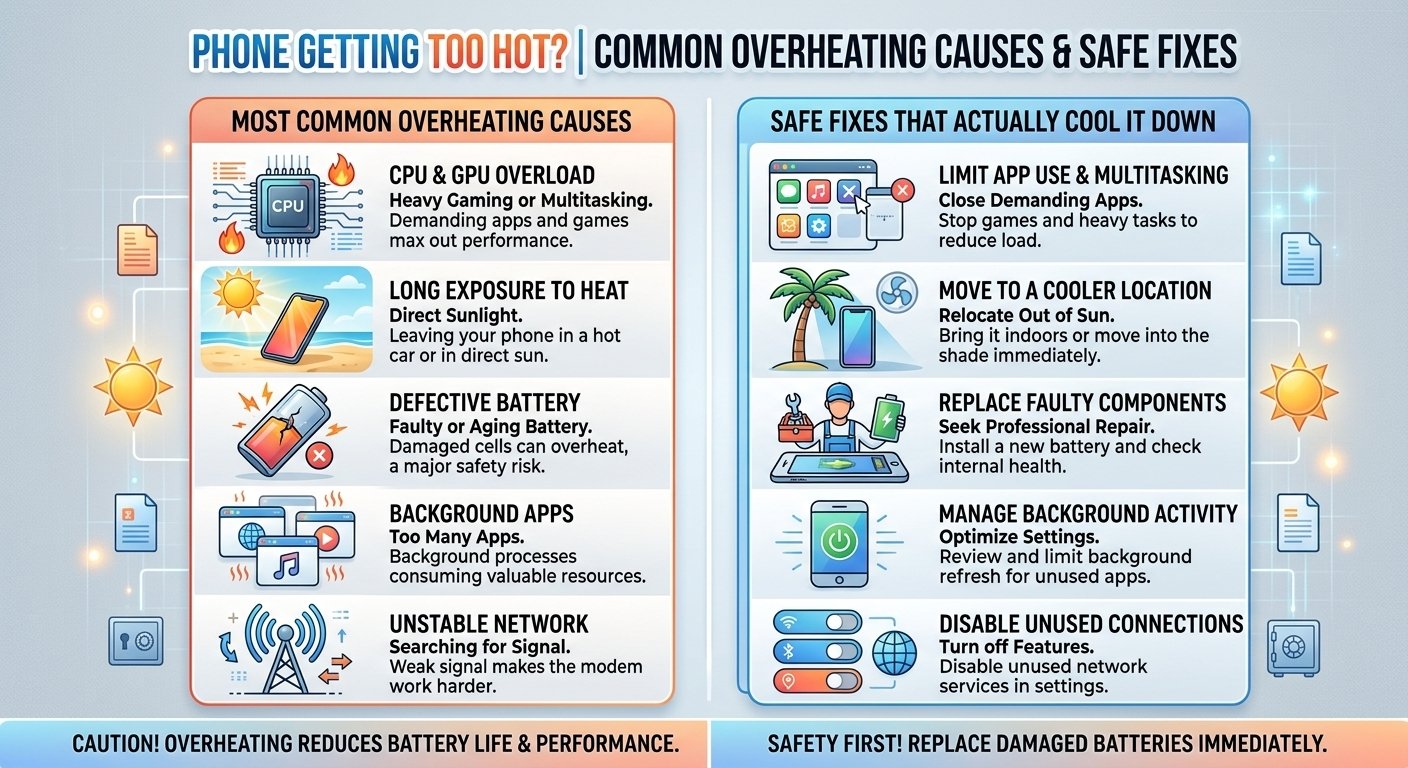
A warm phone is normal, but a phone that feels uncomfortably hot is a sign that something is wrong. Overheating can slow down your device, drain the battery, and over time even damage internal components. Here is why it happens and what you can do about it.
Common causes of phone overheating
1. Heavy use. Gaming, video recording, video calls, and navigation make the processor work hard, which generates heat. Long sessions without a break will warm up any phone.
2. Charging while using the phone. Charging produces heat by itself. Playing a game or watching video while charging adds even more, and the combination can push temperatures high.
3. Direct sunlight or hot environments. Leaving your phone on a car dashboard, at the beach, or in a sunny window can overheat it within minutes.
4. A thick or poorly ventilated case. Some cases trap heat, especially during charging or gaming.
5. Too many background apps. Apps that keep refreshing, syncing, or tracking location in the background can keep the processor busy and warm.
6. A faulty or low-quality charger. Uncertified chargers and damaged cables can deliver power unevenly and create extra heat.
7. Software bugs or outdated apps. A buggy update or an app stuck in a loop can cause constant high processor use even when you are not doing anything.
8. A weak signal. When the phone struggles to connect to a cell tower or Wi-Fi, the modem works harder, which can generate heat and drain the battery.
9. An aging or damaged battery. Old batteries become less efficient and can heat up more easily during use and charging.
How to cool down an overheating phone
Stop what you are doing. Close demanding apps and take a break from gaming or streaming.
Move to a cooler place. Get out of direct sunlight and into the shade or an air-conditioned room.
Remove the case. This helps heat escape faster.
Unplug the charger. If the phone is hot while charging, disconnect it and let it rest.
Turn on airplane mode briefly. This stops the radios from working hard and can help the phone cool faster, especially in weak signal areas.
Lower the screen brightness. The display generates a lot of heat at high brightness.
Restart the phone. A restart can stop runaway processes that are causing the heat.
What you should never do
Do not put your phone in the freezer or fridge. Rapid temperature changes can cause condensation inside the phone and damage the electronics. Let it cool down gradually at room temperature.
Do not blow cold air directly with a hair dryer on cool or compressed air. Moisture and sudden temperature shifts can cause problems.
How to prevent overheating in the future
- Keep your software and apps updated
- Use the original charger or a certified one
- Avoid gaming while charging
- Do not leave your phone in a hot car
- Delete or restrict apps that drain battery in the background
- Use Wi-Fi when the cellular signal is weak
- Replace the battery if it is old and swollen or draining very fast
When overheating is a serious problem
Occasional warmth during heavy use is normal. But you should take it seriously if your phone gets very hot while idle, shuts down by itself, or the battery looks swollen. A swollen battery can be a safety hazard. Stop using and charging the phone, and take it to an authorized service center right away.
Final thoughts
Most overheating problems have simple causes and simple fixes. By managing how you use and charge your phone, and keeping it out of the heat, you can protect your device and keep it running smoothly for years.