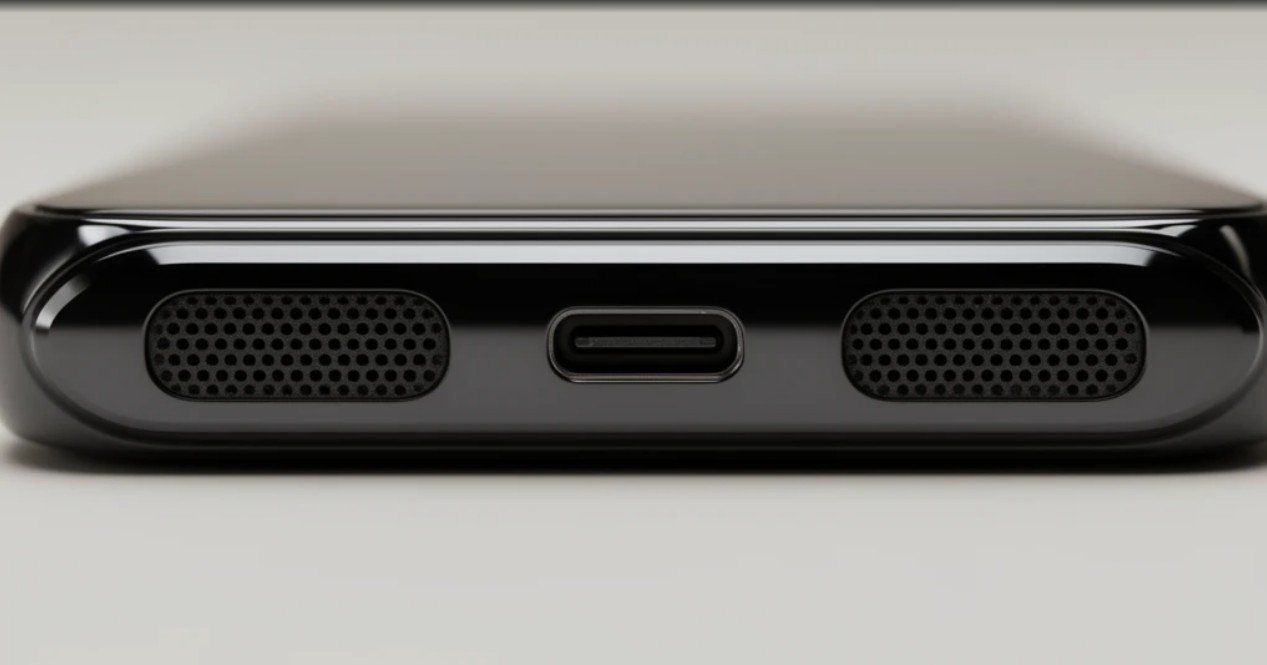
If phone calls suddenly sound like the caller is underwater or your ringtones have lost their crisp high end, you probably don’t need a repair technician. Nine times out of ten, you are dealing with a microscopic layer of felted pocket lint choking the speaker grille.
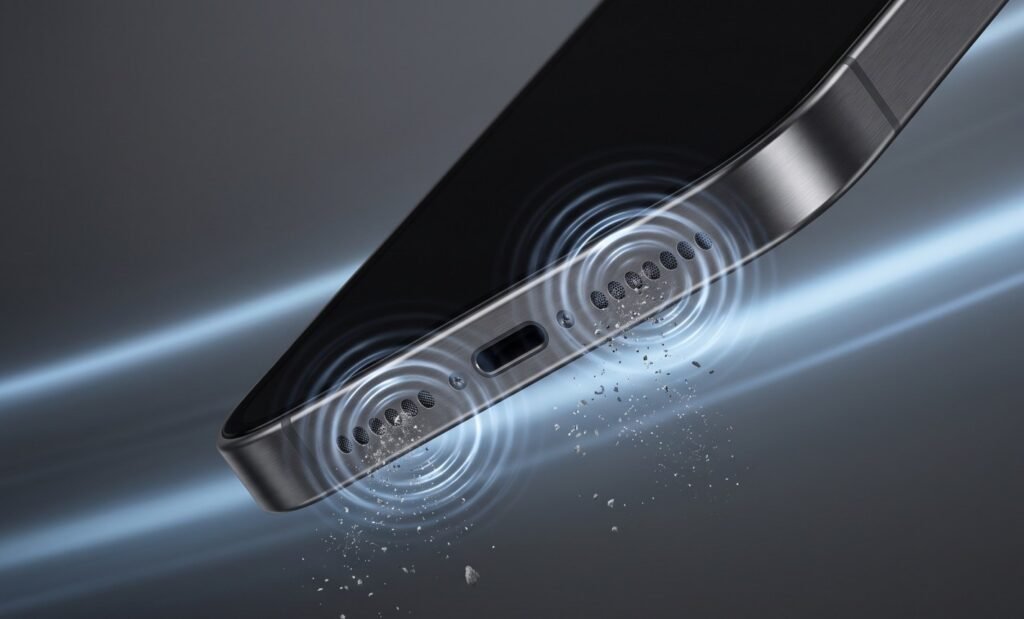
Instead of jamming tools into the tiny ports, you can use physical acoustic vibrations to blow the blockage outward from the inside.
Why Speaker Grilles Clog So Easily
Smartphone speaker grilles rely on laser-drilled openings often smaller than 0.3 millimeters. While these ports keep large objects out, they act as miniature strainers for fine particles:
-
Micro-lint: Cotton and synthetic threads rub off inside pockets and weave directly into the perforations.
-
Ambient moisture: Body heat, workout sweat, or bathroom humidity binds loose fibers and fine dust into a stubborn crust.
-
Micro-debris: Fine sand, sawdust, or cosmetic powder packs flat against the mesh openings.
Because the speaker’s internal diaphragm sits directly behind this mesh, the driver continues to vibrate normally, but the obstruction acts as an unwanted acoustic filter—dampening treble, swallowing vocal clarity, and leaving only dull, muddy bass.
The 3-Step Sonic Clean
This method uses the speaker’s own physical movement to generate outward kinetic energy, kicking debris out rather than driving it in.
Step 1: The Dry Agitation
-
Grab a clean, dry toothbrush with ultra-soft bristles.
-
Turn your device upside down so the ports point toward the floor.
-
Gently stroke the bristle tips across the holes at a shallow angle to disrupt the crust. Do not shove bristles straight into the holes.
Step 2: The Acoustic Pulse Sweep
-
Keep the phone angled downward so dislodged particles fall out freely.
-
Crank your media volume to 100%.
-
Play an acoustic sound sweep oscillating between 165 Hz and 230 Hz (available via dedicated web frequency tools or tone generators).
-
Let it run continuously for 45 to 60 seconds.
Why this frequency works: Low bass waves require the diaphragm to make large, forceful excursions. These long vibrations generate repeating outward pressure pulses from behind the mesh, acting like a miniature pneumatic pump that ejects the loosened dust.
Step 3: Verification
-
Play a podcast or a track with clear vocal dialogue at medium volume.
-
If high-end clarity has improved but still sounds slightly muffled, repeat the pulse sweep once or twice to clear remaining sub-millimeter fragments.
Costly Mistakes to Avoid
Before grabbing household items to dig at the grime, keep in mind how fragile modern acoustic modules are:
| Mistake | What Actually Happens |
| Canned Compressed Air | Delivers unregulated pressure bursts that can instantly tear the paper-thin driver diaphragm or blow debris deeper into the logic board cavity. |
| Sewing Needles or SIM Pins | Metal tips easily puncture the fine acoustic mesh and rupture the waterproof membrane beneath it. |
| Alcohol or Liquid Cleaners | Solvents soften the specialized adhesives holding the acoustic gaskets in place and risk causing internal short circuits. |
Keeping Your Ports Clear
A few small habits will prevent dust from compacting into a solid barrier again:
-
Flip pocket linings inside out before throwing trousers into the washing machine to strip out lint nests.
-
Keep phones away from steam: Playing music while taking a hot shower introduces steam condensation that turns loose surface dust into a sticky paste.
-
Run a preventative sweep: Playing a low-frequency rumble for 30 seconds once every few weeks prevents fine fibers from settling permanently.