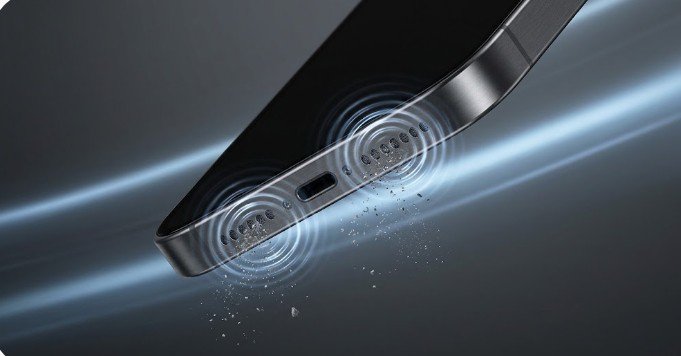
If voices on speakerphone suddenly sound like they are talking through a wet sock, your hardware probably isn’t broken. Your phone has simply developed an unintentional physical filter.
Everyday carry turns your pockets into felt-making machines. Here is the acoustic science behind why it happens and how to blow the blockage out from the inside—without risking a costly repair.
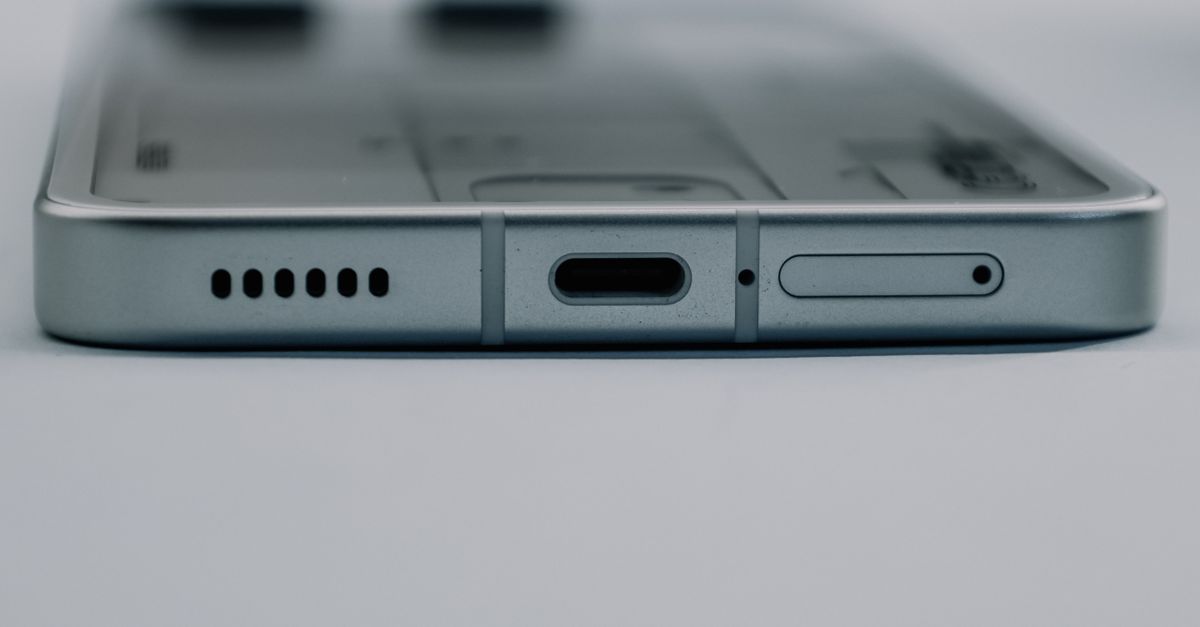
The Pocket Felt Effect: Why Audio Dulls Instead of Dying
Smartphone drivers generate sound through a micro-diaphragm vibrating behind a protective mesh. The individual perforations in that mesh are microscopic—frequently narrower than a human hair (around 0.15 to 0.2 mm).
When you pocket your device, the constant friction, body heat, and ambient humidity create the ideal environment for lint, dead skin cells, and microscopic fabric strands to felt together. This forms a dense, semi-permeable plug over the grille.
Because this plug acts as a physical low-pass acoustic filter:
-
High-frequency transients (2 kHz – 8 kHz)—consonants like s, t, and f, which give speech clarity—have tiny wavelengths that cannot penetrate the blockage.
-
Low frequencies (under 300 Hz) have long, broad wavelengths that bend around the obstruction with minimal energy loss.
The result is audio that retains its bass rumble but loses all vocal crispness.
Diagnostic Checklist: Debris vs. Blown Driver
Run down this list before assuming your audio chip or driver is dead:
-
Speech intelligibility drops first: Media sounds plenty loud, but voices in podcasts or phone calls sound murky and hard to decipher.
-
Volume creep: You routinely keep your volume slider pinned at maximum just to hear basic alerts.
-
No mechanical rattling: Blown voice coils usually buzz, crackle, or distort on low notes; lint blockages sound cleanly muted.
The 60-Second Acoustic Purge
Instead of pushing debris inward, use the speaker’s own excursion (physical forward-and-backward movement) to pump air outwards like a miniature pneumatic piston.
-
Aim at the floor: Hold your phone vertically with the speaker grille pointed straight down so gravity assists particle ejection.
-
Crank the gain: Turn device volume to 100%.
-
Trigger a resonant tone: Play a sweeping low-frequency acoustic wave between 165 Hz and 240 Hz. These frequencies cause maximum diaphragm excursion, generating high-velocity air pulses directly behind the trapped mesh debris.
-
Run for 60 seconds: Let the outward pressure waves shake the compacted lint loose.
Stubborn Grime: The Soft Sweep Follow-Up
If sound quality improves noticeably but still lacks high-end sparkle:
-
Grab an ultra-soft, completely dry detailing brush or children’s toothbrush.
-
Angle the device downward at 45 degrees.
-
Lightly flick the bristles across the mesh openings to catch loosened fibers—never push directly inward.
-
Fire the acoustic cycle for another 30 seconds to blow out the residual dust.
Three Quick Ways to Kill a Speaker Grille
| Method | What Actually Happens | Risk Level |
| Canned Compressed Air | Regulated blasts easily exceed 30–50 PSI; the sudden pressure spike instantly ruptures the micro-thin internal driver membrane. | Critical Failure |
| Sewing Needles / SIM Pins | Pushing metal into a sub-millimeter port punctures the driver cone and shreds the dust-proof water seal. | Permanent Rupture |
| Rubbing Alcohol / Solvents | Liquids break down the acoustic adhesives securing the mesh and wick dissolved grime directly into the driver chamber. | Liquid Damage / Short |
Keeping the Mesh Clear
A five-second preventative routine avoids permanent acoustic clogs:
-
Turn pocket linings inside out before throwing trousers into the wash to eliminate trapped lint nests.
-
Avoid bathroom humidity cycles: Playing music during hot showers causes steam condensation to bind loose pocket dust into a hardened paste.
-
Run a preventative tone sweep monthly to eject loose fibers before they have time to settle and compact.