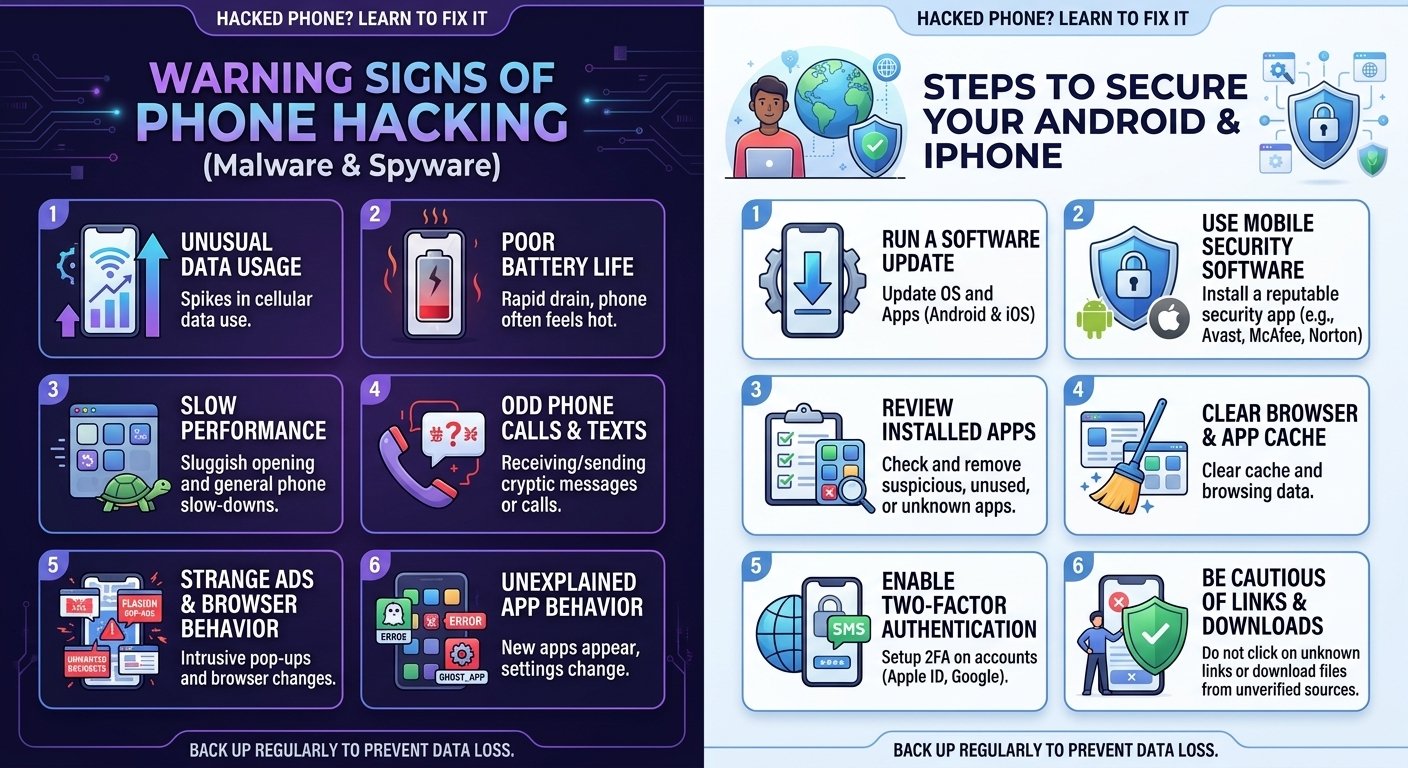
Our phones hold our messages, photos, banking apps, and passwords, which makes them a valuable target. Fortunately, a phone that acts strangely is not always hacked, and there are clear warning signs and effective steps you can take. Here is how to tell if something is wrong and how to protect yourself.
Warning signs your phone may be compromised
1. Battery draining unusually fast. Malware often runs in the background, using power even when you are not touching your phone.
2. Phone running hot when idle. A phone that is warm while sitting on a table may be running hidden processes.
3. Unexpected data usage. A sudden spike in mobile data usage can mean an app is sending information somewhere.
4. Apps you do not remember installing. Unknown apps, especially ones with strange names or no icons, are a major red flag.
5. Constant pop-ups and ads. Aggressive pop-ups, redirects in your browser, or ads appearing outside of apps often point to adware.
6. Slow performance and crashes. Frequent freezing and crashing can be a sign of malicious software.
7. Strange messages or calls. Friends telling you they received odd texts or links from you, or charges for services you did not use, deserve attention.
8. Account alerts. Notifications about password changes, new logins, or security alerts for your accounts are important warnings.
9. Camera or microphone indicators. Both iPhone and recent Android versions show a small indicator when the camera or microphone is active. If you see it when you are not using those features, investigate which app is responsible.
Keep in mind that any single sign can have a harmless cause, such as a battery getting old or a heavy app. Several signs together are what should worry you.
What to do if you think your phone is hacked
Step 1: Update your software. Install the latest operating system update. Security patches close the holes that attackers use.
Step 2: Remove suspicious apps. Go through your app list and delete anything you do not recognize or no longer use. On Android, also check apps with device administrator access and special permissions under Settings, then Security.
Step 3: Run a security scan. On Android, use Google Play Protect, found in the Play Store settings. On iPhone, the system is more locked down, but you should still check Settings, then General, then VPN & Device Management for unknown profiles and remove any you did not install.
Step 4: Change your passwords from a safe device. Start with email, banking, and Apple or Google accounts. Use strong, unique passwords, and consider a password manager.
Step 5: Turn on two-factor authentication. This adds a second layer of protection, so a stolen password alone is not enough. Where possible, use an authenticator app instead of SMS codes.
Step 6: Review your account activity. Check logged-in devices in your Google or Apple account and sign out of anything unfamiliar.
Step 7: Factory reset as a last resort. If the problem continues, back up only your essential files (photos and contacts, not apps), then reset the phone to factory settings. Set it up as new, rather than restoring a full backup that might include the infected app.
How to prevent hacking
- Download apps only from the official App Store or Google Play
- Never click links in suspicious texts, emails, or social media messages
- Keep your phone and apps updated
- Use a strong lock screen passcode and biometrics
- Avoid public Wi-Fi for sensitive activity, or use a trusted VPN
- Review app permissions and deny anything unnecessary
- Do not install apps from unknown links or “modded” APK files
- Be careful with charging at public USB stations
Common scams to watch for
Phishing text messages pretending to be from banks or delivery companies, fake security warnings in your browser, and calls from “tech support” are common tricks. Legitimate companies will not ask you for your password or one-time code by phone or message.
Final thoughts
A hacked phone is serious, but it is also fixable. Stay alert to the warning signs, keep your system updated, and follow safe habits. Most attacks rely on tricking the user rather than breaking the technology, so a little caution goes a long way.